
Telehealth • Video Therapy
Therapy from anywhere in California
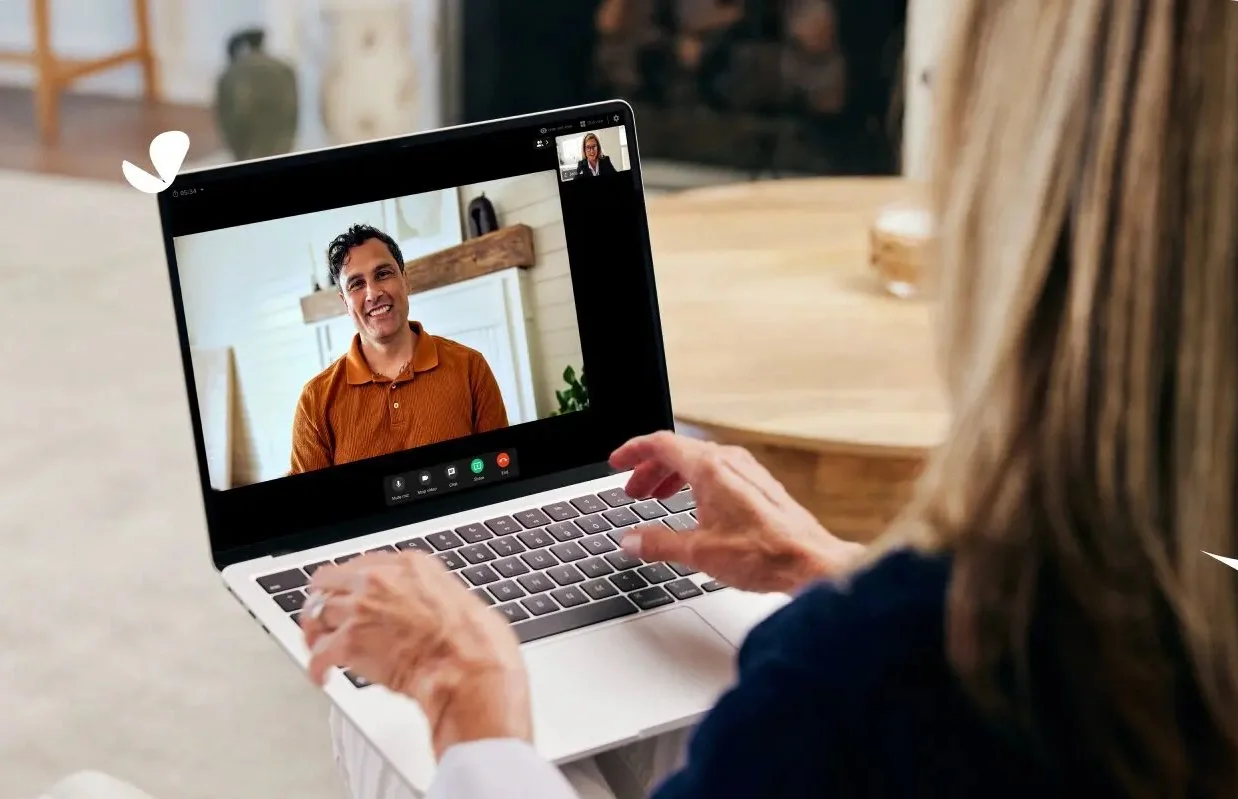
I offer individual and couples therapy via secure video — the same work, the same fee, and the same confidentiality as in-person — available to anyone in California.
FOR CURRENT PATIENTS
Check your email or texts for an appointment reminder from SimplePractice — it contains your unique, one-time video link. You'll receive it approximately 10 minutes before your session.
Can't find the link? Contact me and I'll have it re-sent. You can also join directly from the SimplePractice Client Portal app on iOS or Android.
Each video link is unique and expires after your appointment — don't bookmark it for future use.
TECHNICAL REQUIREMENTS
What you’ll need
Desktop or Laptop
Webcam, speakers, 2.5 GHz processor, 4 GB RAM minimum.
8 GB RAM or more recommended for best video quality. For a walkthrough of this process, see:
Phone or Tablet
iOS 15 or Android 14+, with built-in camera and speakers.
Download the Telehealth app before your session. For detailed instructions on a phone or tablet, see:
Joining a Telehealth appointment from a smartphone or tablet
Internet connection: Minimum 0.35 Mbps required — 10–15 Mbps or higher recommended for a stable, clear call.
Preparing your space for a virtual appointment
Before you begin your Telehealth appointment, identify a suitable space that’s quiet, private, and free of distractions.To keep background noise to a minimum, make sure to close any doors, shut windows, turn off the television, and keep loud pets in another room, if possible. You may want to consider hanging a “Do Not Disturb” sign on the door to avoid interruptions.
Tip: To temporarily mute or unmute yourself during a Telehealth session, press and hold down the spacebar.
HOW IT WORKS
1.
Book an appointment
Submit a new inquiry or contact me directly. We'll confirm whether telehealth or in-person is the right fit for your situation.
2.
Watch for your appointment reminder
You'll receive a reminder email and/or text from SimplePractice about 10 minutes before your session. It contains your unique video link — click it when you're ready to join.
3.
Join from your browser or the app
On a computer, your session opens in a new browser tab. On a phone or tablet, it opens in the Telehealth by SimplePractice app. No account required for desktop.
Interested in telehealth sessions?
Fill out a brief inquiry form and I'll be in touch to discuss whether we'd be a good fit — in person or via video.
All inquiries are confidential · Typically responded to within one business day